The main aim of this series is to facilitate and automate processing and analysis of brain data. In addition, it could be helpful explaining non clear stages and steps of brain data processing of some software. Please feel free to offer suggestions.
الهدف من هذه المدونة هو تعريف المستخدمين العرب ببعض التقنيات والبرامج والتصاميم وتبادل المهارات مع الأخوة العاملين والباحثين في المجال وقد دفعني لذلك ندرة وجود مواقع أو مدونات عربية تهتم بمجال تصوير أجزاء الدماغ ودراسة وظائفها
FSL image_flip/check is an applescript that written to flip left and right orientation of group of brain images. It can be used as well for checking image orientation of group of images in sequence where presentation of each image lasts for a proper time (defined by user; 10 seconds as an example). Click her to download script
Please leave your feedback if you like this tool or a suggestion if you think it needs to be improved!
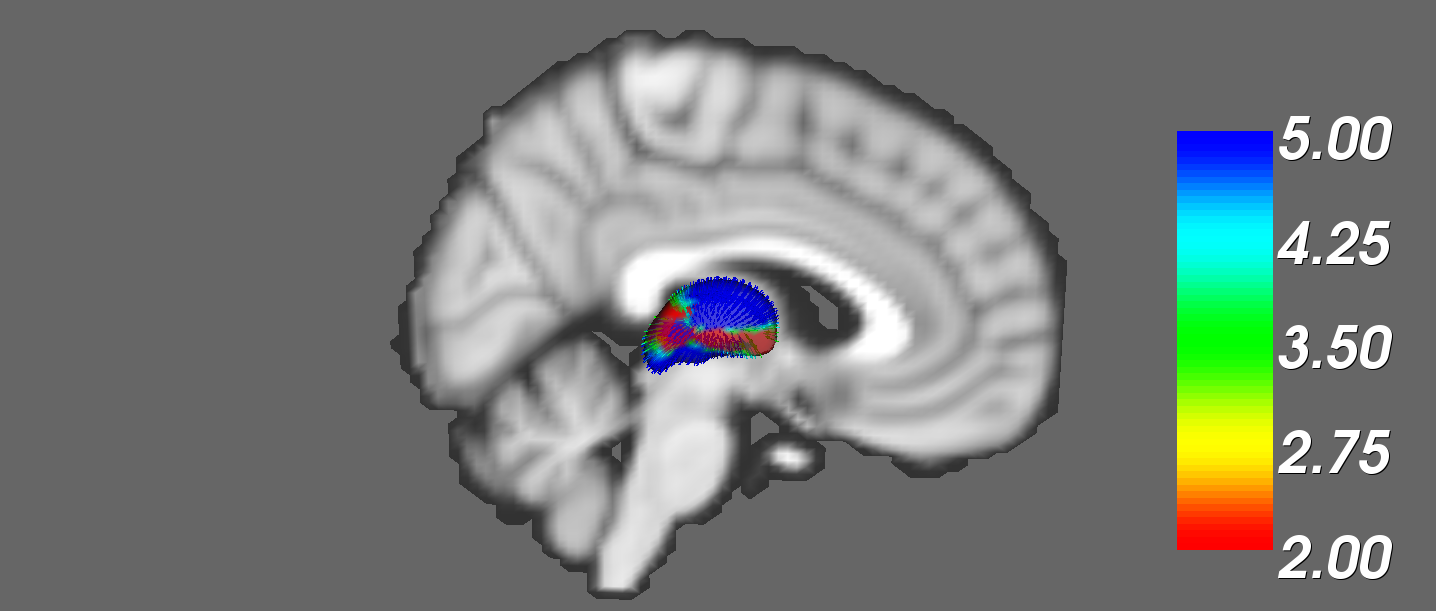
FIRST is a model-based segmentation/registration tool. It segment subcortical brain regions using Bayesian shape & appearance models. For further reading please visit the following link http://www.fmrib.ox.ac.uk/fsl/first/index.html The following script has been written to automate and simplify all five steps and two Quality Assurance processes.Click her to download script.
Please leave your feedback if you like this tool or a suggestion if you think it needs to be improved!
This script has been written to automate conversion of 4D images to series of 3D images using fslsplit utility. Thanks to Carolina Mendez Orellana for the idea of this script. To download this script please click on the following linkFSL_SPLIT
fslsplit splits a 4D file in one of 4 dimensions (time, x, y, z)
fslsplit <input> [output_basename] [-t/x/y/z] -t : separate images in time (default)
-x : separate images in the x direction
-y : separate images in the y direction
-z : separate images in the z direction
Please leave your feedback if you like this tool or a suggestion if you think it needs to be improved!
This script has been written to automate and simplify SIENAX tool (FSL) without writing any command line. User only needs to specify data directory and to select options at the beginning. To download this script please click on the following link
I wrote a bash script to automate and simplify SIENAX tool. It works on both Linux and MAC, user needs to copy script to data directory and execute it from there. This script works on bash shell only where it can be executed using "chmod +x" command as following;
chmod +x sienax_bash.command or chmod +x sienax_bash.sh
SIENAX estimates total brain tissue volume, from a single image, normalised for skull size. It calls a series of FSL programs: It first strips non-brain tissue, and then uses the brain and skull images to estimate the scaling between the subject's image and standard space. It then runs tissue segmentation to estimate the volume of brain tissue, and multiplies this by the estimated scaling factor, to reduce head-size-related variability between subjects.
Please leave your feedback if you like this tool or a suggestion if you think it needs to be improved!
I wrote this script to automate and simplify BET tool (FSL) without writing any command line. User only needs to specify data directory and to select options at the beginning. To download this script please click on the following link
BET(Brain Extraction Tool) deletes non-brain tissue from an image of the whole head. It can also estimate the inner and outer skull surfaces, and outer scalp surface, if you have good quality T1 and T2 input images.
Please leave your feedback if you like this tool or a suggestion if you think it needs to be improved!
On Mac OSX, it is not possible to run multiple BrainVoyager instances by click the dock icon. This can be done by writing two command lines in terminal as shown in Brainvoyager support website;
Depending on the previous method I wrote an applescript*, using this script you don't have to write any thing you will use mouse clicks only. You have to click that applescript file at every time you want run more Brainvoyager instances, It can be added to the dock.
Easyfreesurfer is a simple script which was written to simplify and automate most freesurfer processes. It controls some commands such as; recon-all and mri_convert without writing any command in terminal, as user will only need to use mouse to select options and click buttons. This applescript works with both shell types bash and tcsh but it is suitable for Mac OS X only.